#ja-blog-dm-wave2 { color:#33414e; font-size:16px; line-height:1.75; } #ja-blog-dm-wave2 .post-lead
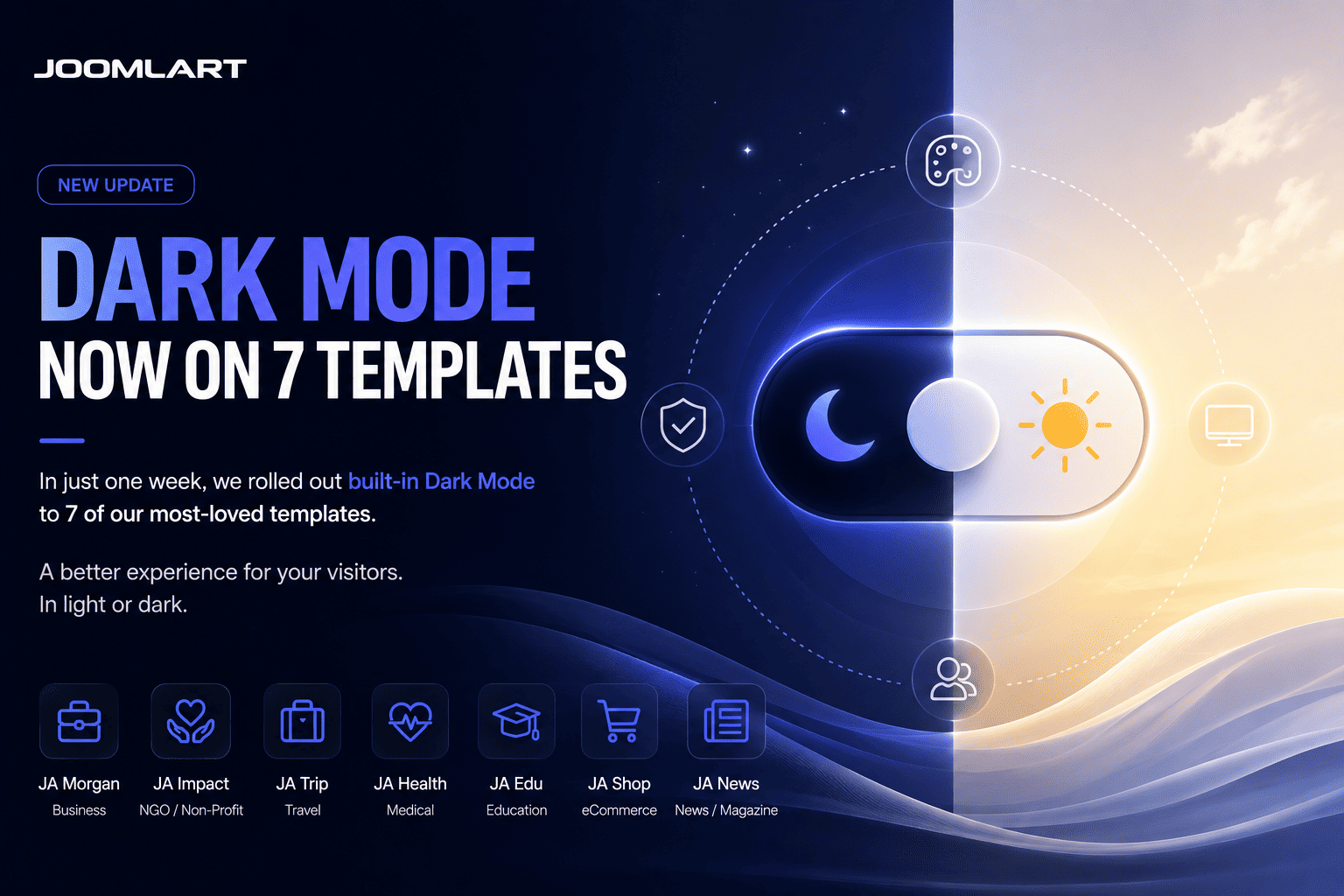
The Dark Mode roll-out isn't slowing down. After our first wave, seven more templates now ship with a built-in light / dark toggle - and one of them is a long-time favourite, JA Teline V.
Newly updated with Dark Mode
Each of these templates now includes a one-click sun / moon toggle, automatic detection of the visitor's system preference, and a remembered choice for returning visitors - while your existing light design stays exactly the same.
- JA Teline V - our best-selling news & magazine template
- JA Athena - university & education
- JA MixStore - multipurpose eCommerce (VirtueMart & J2Store)
- JA Phio - portfolio & creative showcase
- JA Helple - charity, NGO & fundraising
- JA FindUs - business & directory
- JA Vital - health & nutrition
And we're not done - more templates are getting Dark Mode every week.
Why Dark Mode?
A dark option is now something visitors expect. It's easier on the eyes in low light, gives your site a more modern, premium feel, and lets each visitor choose the experience they prefer - all without changing your site's structure.
How to update
- Download the latest package for your template from your JoomlArt account.
- Install the update over your current template.
- Open your site and click the sun / moon toggle in the header to preview Dark Mode.
Your content and existing configuration stay in place. Prefer light only? Leave it - light mode remains the default and untouched.
Every one of these updates is included with a JoomlArt membership - along with all 200+ templates and everything we ship next.
More Dark Mode templates are on the way - stay tuned.
— The JoomlArt Team